
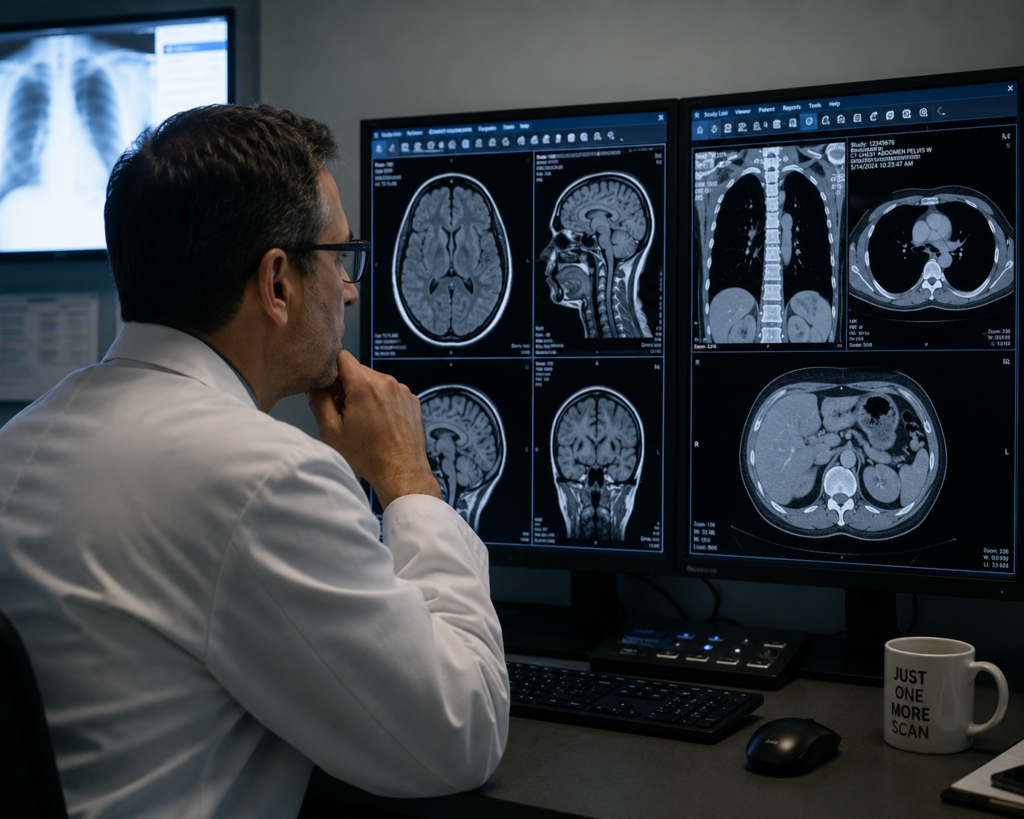
A professional radiology reading room setup requires more than selecting the monitor with the highest resolution or the most recognizable name. The display must fit the modality, reading volume, quality-control process, physical environment, workstation, graphics hardware, and budget of the practice.
Barco, EIZO, and LG Medical all offer products designed for clinical imaging, but they approach performance, fleet management, calibration, and total cost differently. The right choice depends on how and where the display will be used—not on a universal ranking.
Choose the display platform that matches your modality, required resolution and luminance, QA workflow, support model, workstation outputs, and long-term ownership plan. Evaluate the complete station, not the monitor alone.
What makes a display appropriate for medical imaging?
Medical-display planning starts with predictable grayscale presentation and a repeatable quality-control process. DICOM PS3.14 defines the Grayscale Standard Display Function (GSDF), which supports consistent presentation of grayscale values across display systems.
DICOM PS3.14 is not, by itself, a monitor performance certification and does not specify one required luminance or resolution for every clinical use. Those requirements depend on the modality, intended use, applicable facility standards, manufacturer instructions, QA program, and the facility’s medical physicist or compliance team.
Support for a controlled display response and the facility’s DICOM GSDF calibration workflow.
Performance that can be measured, maintained, and documented over the expected service life.
Calibration, test scheduling, status monitoring, reporting, and fleet-management capabilities.
Resolution, screen size, color or grayscale performance, inputs, ergonomics, and GPU support.
Barco, EIZO, and LG Medical: where each platform fits.
Each manufacturer offers multiple product tiers, so any final comparison should be model-specific. At a platform level, however, the three brands have recognizable strengths that can guide the first stage of a reading-room plan.
Barco: centralized QA and premium imaging workflows
Barco is widely used in demanding diagnostic environments and offers an extensive display portfolio alongside MediCal QAWeb for centralized calibration status, quality-control tasks, and fleet visibility. It is often considered where advanced workflow features and centralized management justify a higher acquisition cost.
EIZO: reliability and a broad RadiForce portfolio
EIZO RadiForce displays cover a wide range of general radiology, multimodality, and specialty applications. RadiCS supports calibration and quality-control workflows, making EIZO a strong option for teams prioritizing long-term consistency, practical management tools, and a broad selection of configurations.
LG Medical: modern displays and competitive value
LG Medical offers high-resolution grayscale and color displays for a range of clinical and diagnostic workflows. Depending on the model and facility requirements, LG can provide a practical balance of image performance, modern panel technology, calibration support, and acquisition cost.
| Brand | Typical Fit | QA Ecosystem | Key Strength | Planning Consideration |
|---|---|---|---|---|
| Barco | High-demand diagnostic, specialty, and centrally managed environments | MediCal QAWeb | Deep radiology focus and centralized fleet visibility | Premium configurations can carry a higher initial cost |
| EIZO | General radiology, specialty reading, and multi-location deployments | RadiCS | Broad product range and long-term consistency | Compare exact model features and management requirements |
| LG Medical | Clinical review, general imaging, diagnostic, and value-conscious projects | Model-dependent LG calibration and QC tools | Modern display options at competitive price points | Confirm software, sensor, warranty, and workflow fit by model |
Match the monitor to the modality and reading environment.
The most expensive display is not automatically the best choice for every station. A productive reading room uses the right level of display performance at each position and supports it with the correct workstation, graphics output, QA tools, and service plan.
Mammography
Confirm the required resolution, luminance, model approval, calibration workflow, and QA responsibilities with the facility’s medical physicist and compliance team. Facilities remain responsible for applicable FDA MQSA requirements.
General Radiology
Balance resolution, screen format, grayscale or color needs, study volume, ambient conditions, and the PACS layout used during interpretation.
Teleradiology
Prioritize reliable remote QA visibility, stable multi-monitor layouts, serviceability, secure support access, and consistent configurations across readers.
Clinical Review & Worklist
Separate primary diagnostic requirements from clinical-review and administrative tasks so each display is selected for its actual role.
The monitor is only one part of the reading room.
A diagnostic display cannot deliver its intended workflow if the workstation cannot drive its native resolution, the GPU lacks the necessary outputs, the cables are incorrect, Windows rearranges the monitor layout, or the calibration software is not configured for the facility’s QA process.
Texel Comp evaluates the display alongside professional Dell, HP, and Lenovo workstations; Barco, NVIDIA, and AMD graphics options; PACS requirements; multi-monitor layout; connectivity; peripherals; and remote-support needs.
- Define the modality, intended use, study volume, and required display specifications.
- Verify workstation performance, GPU compatibility, output count, and native display resolution.
- Plan the physical layout, ergonomics, ambient conditions, cables, KVMs, and supporting monitors.
- Confirm the manufacturer’s calibration software, sensor workflow, licenses, and reporting requirements.
- Document who owns acceptance testing, ongoing QA, compliance validation, and technical support.
Choose the complete configuration—not just the brand.
Barco may be the strongest fit where advanced radiology workflows and centralized QA management are priorities. EIZO may stand out where long-term consistency, a broad product range, and practical quality-control tools are important. LG Medical may offer an attractive balance where modern display performance and budget must work together.
The correct answer should come from a model-level comparison based on modality, intended use, workflow, facility QA policy, workstation compatibility, budget, and support expectations. Texel Comp can help compare suitable models, configure the supporting workstation and graphics hardware, and remain available after deployment.