Barco • NVIDIA • AMD

Medical Imaging Graphics Cards

Medical imaging graphics cards stand between your workstation and your diagnostic displays. The wrong card can show up as lag, reduced resolution, missing outputs, or a display that will not run at its rated quality.

Texel Comp supplies Barco MXRT and MXRV display controllers, NVIDIA RTX professional GPUs, and AMD Radeon Pro graphics matched to your display count, native resolution, connection type, and imaging workflow.

  • Native resolution and display-count planning
  • Diagnostic, mammography, and review workflows
  • Driver setup and multi-monitor output verification
  • Genuine products and nationwide shipping
Display Controllers • Professional GPUs

The Medical Imaging Graphics Cards We Supply

We source and configure cards across the two roles a reading station may need: specialized medical display controllers and professional workstation GPUs.

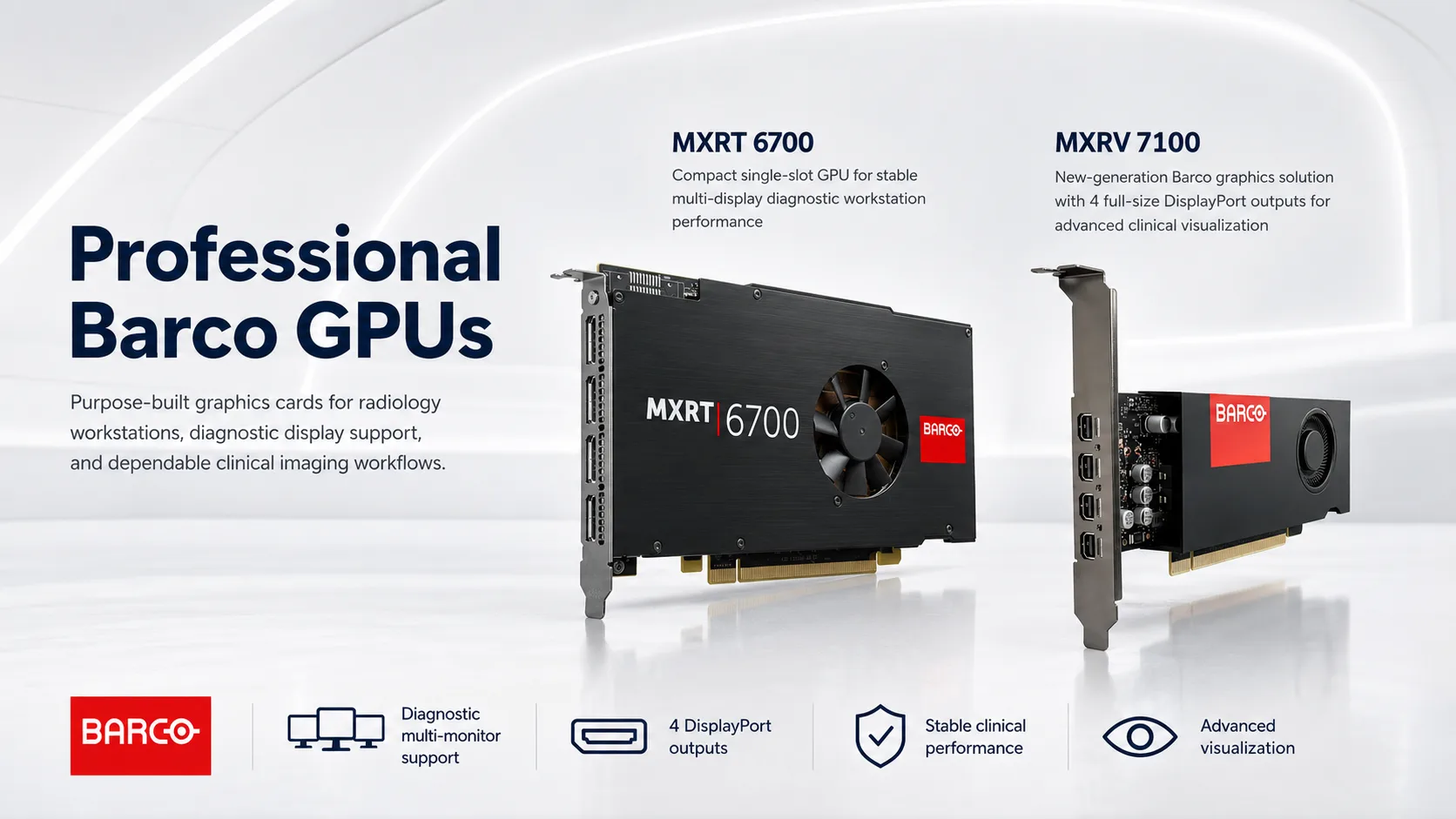
Barco MXRT display controller card for diagnostic displays
Medical Display Controllers

Barco MXRT and MXRV

Barco display controllers are the specialized option for diagnostic imaging environments. They are designed to drive medical displays at supported native resolutions and integrate with the Barco display ecosystem and workflow tools.

  • MXRT 4700
  • MXRT 6700
  • MXRT 8700
  • MXRV 7100
View official Barco display controllers
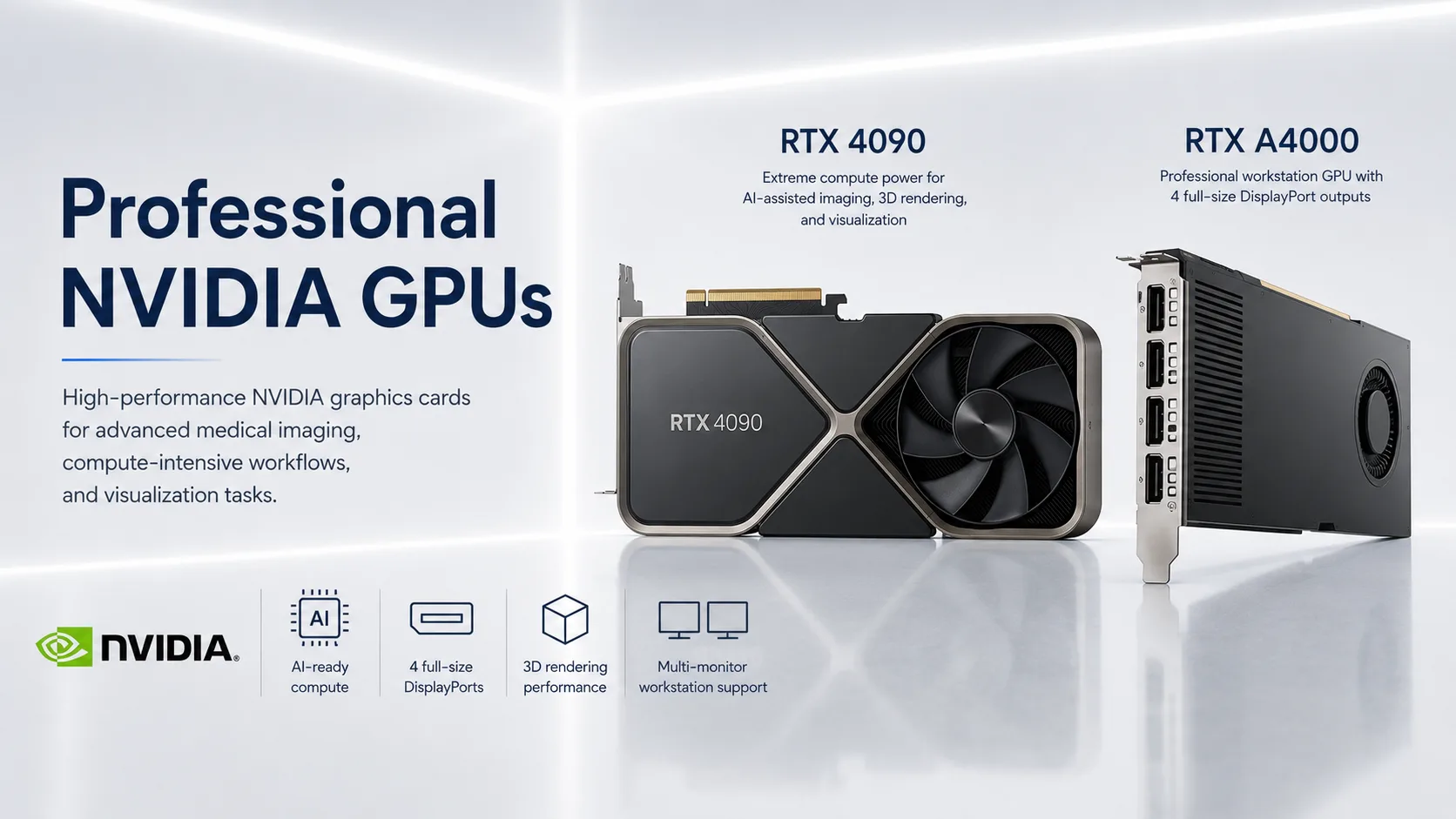
NVIDIA RTX professional GPU for radiology workstations
Professional Workstation GPUs

NVIDIA RTX Professional Graphics

NVIDIA RTX professional GPUs provide flexible multi-display output plus workstation-class acceleration for 3D visualization, fusion, post-processing, and other compute-intensive imaging tasks.

  • RTX A-Series
  • RTX 2000 Ada
  • RTX 4000 Ada
  • RTX PRO
View official NVIDIA professional GPUs
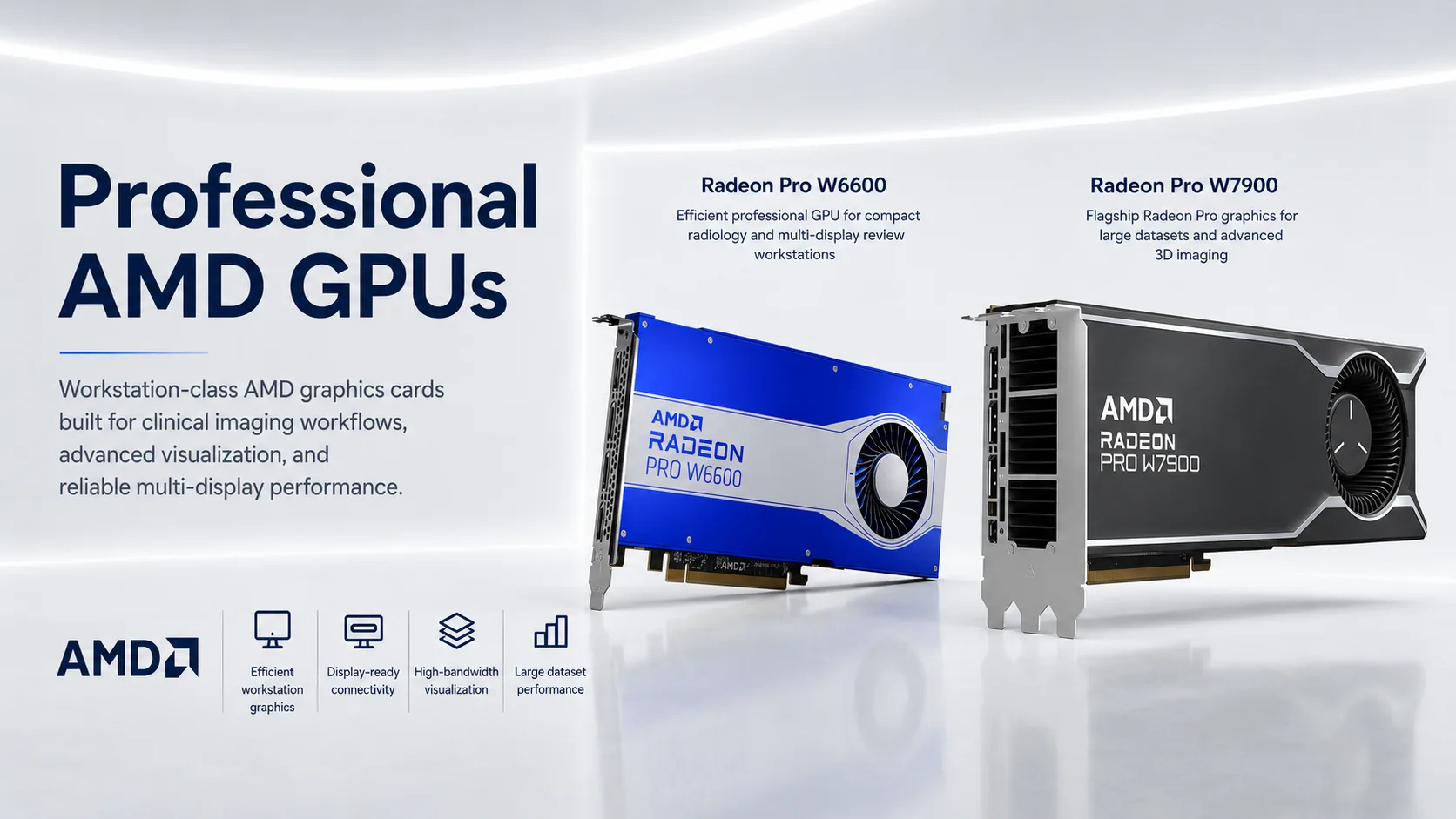
AMD Radeon Pro graphics cards for medical imaging workstations
Professional Workstation GPUs

AMD Radeon Pro Graphics

AMD Radeon Pro GPUs are professional workstation graphics options for multi-display review, visualization, and large imaging datasets. We confirm output, driver, chassis, and software compatibility before recommending a model.

  • Radeon Pro W6600
  • W7000 Series
  • PRO Drivers
  • Multi-Display
View official AMD Radeon Pro graphics
Resolution • Outputs • Workflow

Matching the Card to Your Displays

A single diagnostic display has different requirements from a four-head station running high-resolution panels. A 12MP mammography display also needs a card and connection path that support its native resolution.

We match medical imaging graphics cards to the exact display count, resolution, connector type, workstation form factor, power availability, operating system, and intended workflow. DisplayPort, Mini DisplayPort, DVI, adapters, and legacy connection requirements are reviewed before anything ships.

We also check the planned PACS viewer and workstation environment, then verify multi-monitor output so each display can operate at the supported resolution and layout.

Specialized Controller or Flexible GPU

Display Controllers vs. Workstation GPUs

The correct choice depends on the displays, software, modality, and the work performed on the station.

Medical Display Controller

A specialized option for diagnostic display environments and manufacturer-specific medical-display workflows.

  • Designed around diagnostic display output
  • Strong fit for dedicated radiology and mammography stations
  • May integrate with medical-display workflow and calibration ecosystems
  • Examples include Barco MXRT and MXRV controllers

Professional Workstation GPU

A flexible option for display output plus visualization, 3D, fusion, and broader workstation acceleration.

  • Supports professional multi-display workstation layouts
  • Useful where compute and visualization matter alongside display output
  • Available across different performance, memory, and form-factor levels
  • Examples include NVIDIA RTX professional and AMD Radeon Pro

Some reading rooms use one platform; others use more than one graphics device. We recommend the configuration from the actual display models and workflow rather than assuming one brand fits every station.

Compatibility Before Shipping

What We Verify Before Recommending a Card

A compatible GPU is more than a model number. The complete output path must work together.

Display Count

Total diagnostic, review, worklist, and reference displays connected to the station.

Native Resolution

The rated resolution of every display, including high-resolution mammography panels.

Ports and Cabling

DisplayPort, Mini DisplayPort, DVI, approved adapters, and required cable paths.

Power and Form Factor

PCIe slot space, full-height or low-profile fit, power connectors, and power-supply capacity.

Drivers and Windows

Operating-system support, graphics drivers, and compatibility with the workstation platform.

PACS and Viewer Needs

Diagnostic viewing, 3D, fusion, post-processing, and other software-specific requirements.

Configured and Tested

From Display List to Verified Output

We treat the GPU, workstation, cables, drivers, and displays as one output system.

Step 01

Review the Displays

We identify model numbers, native resolutions, inputs, display count, and planned layout.

Step 02

Match the Platform

The card is selected around output requirements, software workload, chassis, and available power.

Step 03

Install and Configure

Where requested, we install the card, load the correct drivers, and prepare the Windows display arrangement.

Step 04

Verify the Output

Resolution, screen detection, and the planned multi-monitor layout are checked before shipping.

Sourcing • Setup • Support

Genuine, Configured, and Tested

Every card we supply is sourced through established distribution channels with applicable manufacturer warranty coverage. We do more than ship a card in a box.

Genuine Hardware

Products are sourced through established channels with warranty terms confirmed for the selected item.

Configuration Available

Driver installation, display arrangement, and graphics setup can be completed with the workstation.

Reading Environments Nationwide

Who We Supply

  • Imaging centers building or upgrading reading stations
  • Radiologists adding displays or replacing a failing card
  • Mammography facilities needing supported high-resolution output
  • Teleradiologists driving external diagnostic displays
  • IT teams standardizing graphics across multiple workstations
Common Questions

Frequently Asked Questions

What graphics card do I need for radiology?

It depends on the display count, native resolution, connection type, workstation, and whether the station is used for primary diagnostic reading, review, 3D, fusion, or post-processing. We match a Barco MXRT or MXRV, NVIDIA RTX professional, or AMD Radeon Pro option to the actual setup.

What is the difference between a Barco MXRT and an NVIDIA RTX card?

A Barco MXRT is a specialized medical display controller designed around diagnostic display workflows. NVIDIA RTX professional graphics provide display output plus broader workstation acceleration for visualization, 3D, and compute tasks. The correct choice depends on the displays and software.

Can a graphics card drive a 12MP mammography display?

Yes, when the graphics card, output, cable path, and display input support the required native resolution. We confirm compatibility from the exact display and workstation models before recommending a card.

Are the cards genuine and under warranty?

Yes. Products are sourced through established distribution channels with applicable manufacturer warranty coverage confirmed for the selected item.

Can you install and configure the card for me?

Yes. We can install the card, set up the appropriate drivers, configure the Windows display arrangement, and verify the planned output before the workstation ships.

Do you ship nationwide?

Yes. Texel Comp ships medical imaging graphics cards and configured workstation equipment across the United States.

Need the right card for your displays — or a full workstation to go with it?

Tell us your display models, resolution, screen count, workstation, and reading workflow, and we’ll recommend the right medical imaging graphics cards.