

Essential IT Setup Every Small Business Needs in 2026
A reliable small business IT setup is no longer optional — it’s a critical part of running a successful business in 2026. From communication and collaboration to data management and security, businesses depend on technology every day.
A well-planned small business IT setup helps improve productivity, reduce downtime, and ensure smooth operations. Whether you’re starting a new business or upgrading your existing systems, having the right IT foundation is essential.
Why Small Business IT Setup Matters
An effective small business IT setup allows your team to work efficiently while minimizing technical issues. Without proper systems in place, businesses often face slow performance, connectivity problems, and security risks.
A strong small business IT setup ensures:
- Faster workflows
- Better communication
- Improved data security
- Reduced operational disruptions
Investing in the right setup early can save time and money in the long run.
How to Set Up a Multi-Monitor Workstation
1. Reliable Workstations and Computers
The backbone of any small business IT setup is reliable hardware. Your employees need computers that can handle daily tasks without slowing down.
Key considerations:
- Modern processors and sufficient RAM
- SSD storage for faster performance
- Proper configuration for business applications
A properly configured workstation is essential for a smooth small business IT setup.
2. Multi-Monitor Workstation Setup
A multi-monitor workstation setup can significantly improve productivity. Employees can manage multiple applications at once without switching between tabs.
Benefits include:
- Faster task completion
- Better workflow organization
- Increased efficiency
For many businesses, this is a simple upgrade that delivers immediate results.
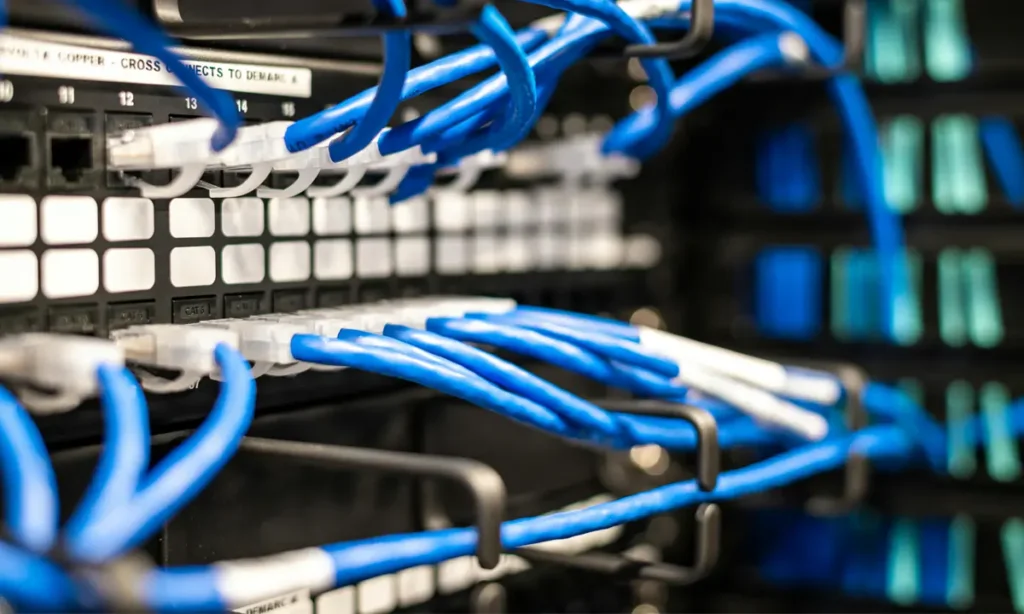
3. Business Networking & Connectivity
A strong network is critical for any small business IT setup. Without reliable connectivity, daily operations can quickly come to a halt.
Your setup should include:
- Stable Wi-Fi network
- Secure router and firewall
- Proper device connectivity
A well-designed network ensures your small business IT setup runs smoothly.
4. Software & Business Applications
Every small business IT setup requires the right software tools. These tools support communication, operations, and productivity.
Common essentials:
- Email and communication platforms
- Accounting and CRM software
- Office productivity tools
Keeping software updated is key to maintaining a secure small business IT setup.
5. Data Backup & Security
Security is one of the most important parts of a small business IT setup. Businesses must protect their data from loss, theft, or cyber threats.
Essential measures:
- Regular data backups
- Antivirus and endpoint protection
- Secure access controls
A secure small business IT setup protects your business and builds trust with clients.
6. Remote IT Support & Maintenance
Even the best small business IT setup requires ongoing maintenance. Issues can happen at any time, and quick support is essential.
Remote IT support helps with:
- Troubleshooting technical issues
- System updates and maintenance
- Performance optimization
Having reliable support ensures your small business IT setup stays efficient.
7. Workstation Setup & Optimization
Proper configuration is key to a successful small business IT setup. Poorly configured systems can lead to performance issues and inefficiencies.
Optimization includes:
- Correct system settings
- Driver installation
- Peripheral setup (printers, scanners, etc.)
A well-optimized workstation improves overall productivity.
Common Mistakes to Avoid
Many businesses struggle with their small business IT setup due to avoidable mistakes:
- Using outdated hardware
- Ignoring network security
- Poor system configuration
- Lack of backups
- No ongoing IT support
Avoiding these mistakes ensures your small business IT setup remains stable and efficient.
When Should You Upgrade Your IT Setup?
If your business is experiencing slow systems, frequent errors, or connectivity issues, it may be time to upgrade your small business IT setup.
Signs include:
- Decreased productivity
- Frequent technical problems
- Growing team size
- Increased workload
Upgrading your small business IT setup can improve performance and support business growth.
Why Professional IT Setup Matters
While basic setups can be done in-house, professional assistance ensures your small business IT setup is done correctly.
Experts can help with:
- Proper configuration
- Network setup
- System optimization
- Ongoing support
This ensures your small business IT setup is reliable from the start.
Conclusion
A strong small business IT setup is essential for success in 2026. From reliable hardware to secure networks and ongoing support, every component plays a role in keeping your business running smoothly.
Investing in the right small business IT setup improves efficiency, reduces downtime, and helps your business grow with confidence.